
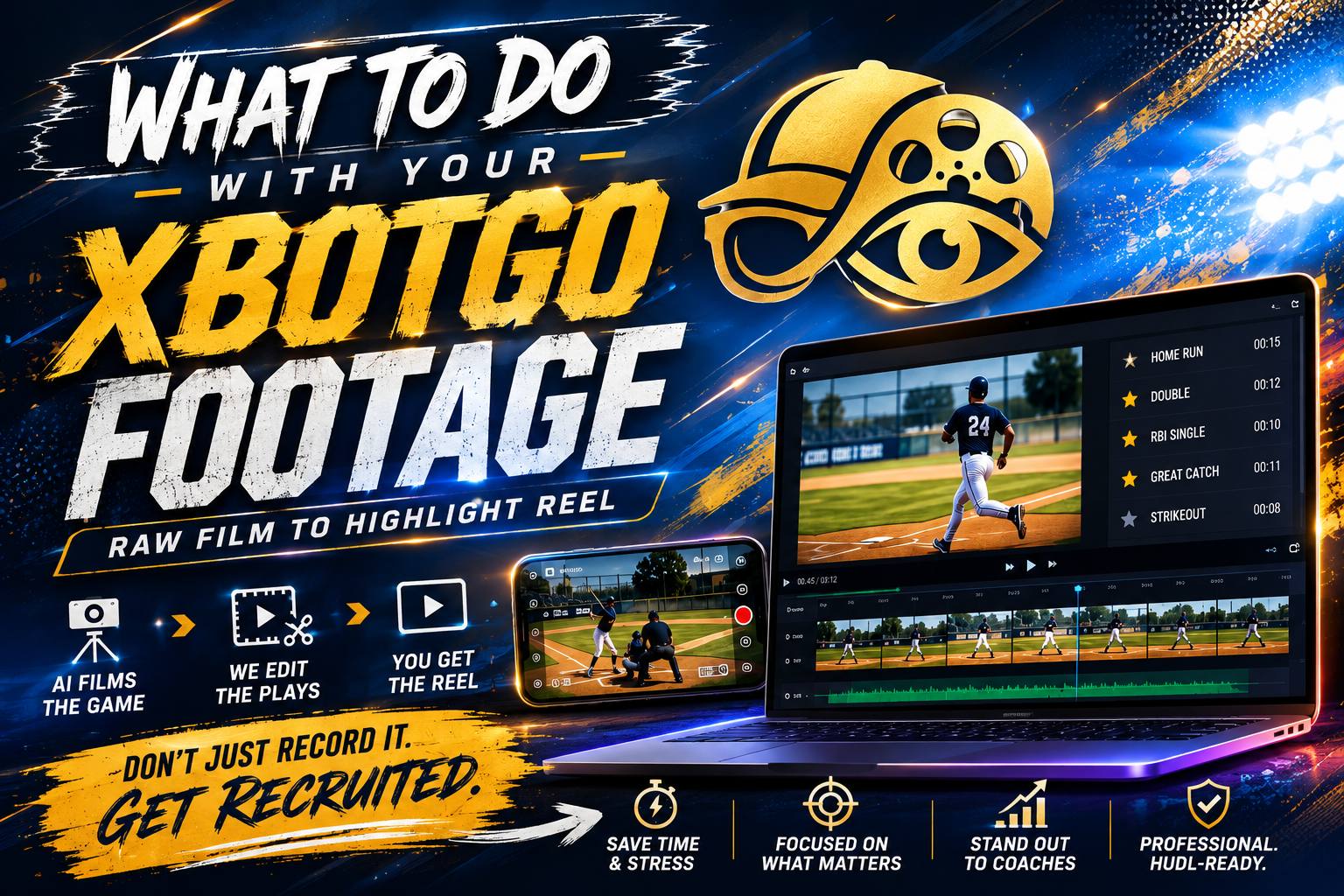
You did the research. You bought the AI camera — an XbotGo, a Veo, maybe a Pixellot through the club. You mounted it, it tracked the whole game, and now you have something most sports parents never get: complete, stable, professional-angle footage of every game your athlete plays. And it's all sitting in an app, unwatched, growing by two hours a week.
We say this with love, as people who run XbotGo cameras professionally every weekend: you solved the filming problem. Nobody warned you about the editing problem.
The AI camera gap.
AI tracking cameras are genuinely great at what they do. The footage they produce clears the bar that phone footage can't — elevated angle, stable frame, full-field coverage, no missed plays. If you've read our phone footage breakdown, an AI camera fixes four of the five problems on that list.
But it doesn't touch the fifth one. What comes out of the camera is a raw, unedited, full-length game file. And there's a large gap between "we have every play on film" and "we have something a coach, a grandparent, or even your own athlete will actually sit through."
Closing that gap means, for every game: watching the film, marking every play worth keeping, trimming each clip to start at the right moment, sequencing the best plays so the reel builds instead of wanders, identifying your athlete so a viewer finds them instantly, adding music that's actually licensed for use, and exporting in the format the destination expects — vertical for social, Hudl-spec for recruiting. Done well, that's hours of skilled work per game.
Your three options.
Edit it yourself
Totally doable — DaVinci Resolve is free and CapCut handles social clips. The honest costs: a real learning curve, several hours per game once you're competent, and music licensing most families skip (which gets recruiting reels muted or flagged on the platforms where they need to live). If you enjoy editing, this is a legitimate hobby. If you're doing it out of obligation, it's the reason the footage sits unwatched.
Use the camera's auto-highlights
XbotGo, Veo, and similar apps generate automatic highlight clips, and they're a nice start for quick social shares. But auto-detection catches events (goals, shots), not your athlete — it doesn't know which player is yours, can't judge which plays show recruiting value like off-ball movement or defensive reads, and produces clips, not a constructed reel. For grandma's group chat: great. For a coach's 30-second evaluation: not the tool.
Send it to a professional editor
This is the middle path most AI camera families don't know exists: keep filming with the camera you already own, and hand off only the editing. You upload the raw files, an editor who cuts sports film every week finds your athlete's best plays, and an edited reel comes back — no gear to learn, no weekends lost, and the footage finally becomes the thing you bought the camera for.
What that looks like with Clip-to-Reel.
Clip-to-Reel is our editing-only service, built precisely for this gap — and because it's editing-only, it works nationwide, whatever camera you own. XbotGo, Veo, Pixellot, GoPro, phone footage: if you can upload it, we can cut it.
- Reel Express — $99. A polished social-ready highlight reel with music from your submitted clips. The "make the footage watchable" tier.
- Reel Pro — $199. A longer, fuller reel with more clips and refined pacing — the season keepsake and team-share tier.
- Reel Recruit — $349. The college-evaluation build: recruiting-length reel, athlete identification so a coach spots your player in seconds, and Hudl-ready formatting.
Delivery runs about 5 days. For comparison, dedicated recruiting-video services commonly charge several hundred to over a thousand dollars with multi-week turnarounds — the difference is that our pipeline was built around AI-tracked footage from day one, because it's the same footage we shoot ourselves every weekend.
Get more out of the camera you own.
A few habits that make every future reel better, whatever editing route you choose:
- Download game files off the app promptly. Phone and cloud storage limits have eaten more game footage than rain has. Move files to a drive or cloud folder after every game.
- Name files by date and opponent. "2026-09-12 vs Benton" beats "IMG_4471" when you're assembling a season reel in November.
- Note big plays while they're fresh. A one-line text to yourself — "goal at 34:00, great steal late 2nd half" — saves an editor (or future you) real scrubbing time.
- Know your athlete's jersey number and color for every game. It's the single piece of info that makes athlete identification fast and accurate in editing.
- Film everything, even the bad games. Recruiting reels get built from the best plays of a whole season — you can't predict which game produces them.
You filmed it. We'll finish it.
Upload your XbotGo, Veo, or phone footage and get a professionally edited highlight reel back in about five days. Reels from $99, delivered anywhere in the U.S.
Can someone edit my XbotGo footage into a highlight reel?
Yes. Rally Reel Media's Clip-to-Reel service accepts footage from XbotGo, Veo, Pixellot, phones, and any other camera, and delivers a professionally edited highlight reel in about 5 days. Tiers run from $99 for a social-ready reel to $349 for a full recruiting reel with jersey identification and Hudl-ready formatting.
Is XbotGo footage good enough for a college recruiting reel?
Generally yes — AI-tracked cameras capture the stable, elevated, full-field view coaches want. The footage itself is rarely the problem; the gap is editing. Raw full-game files need play selection, trimming, sequencing, athlete identification, and correct export formatting before a coach will watch them.
How do I share highlight footage with college coaches?
Coaches expect a 2–4 minute edited highlight reel, typically hosted on Hudl or YouTube, linked in a short email from the athlete. Sending raw full-game files or camera-app links as a first contact usually goes unwatched. Our breakdown of what coaches look for covers the format in detail.